
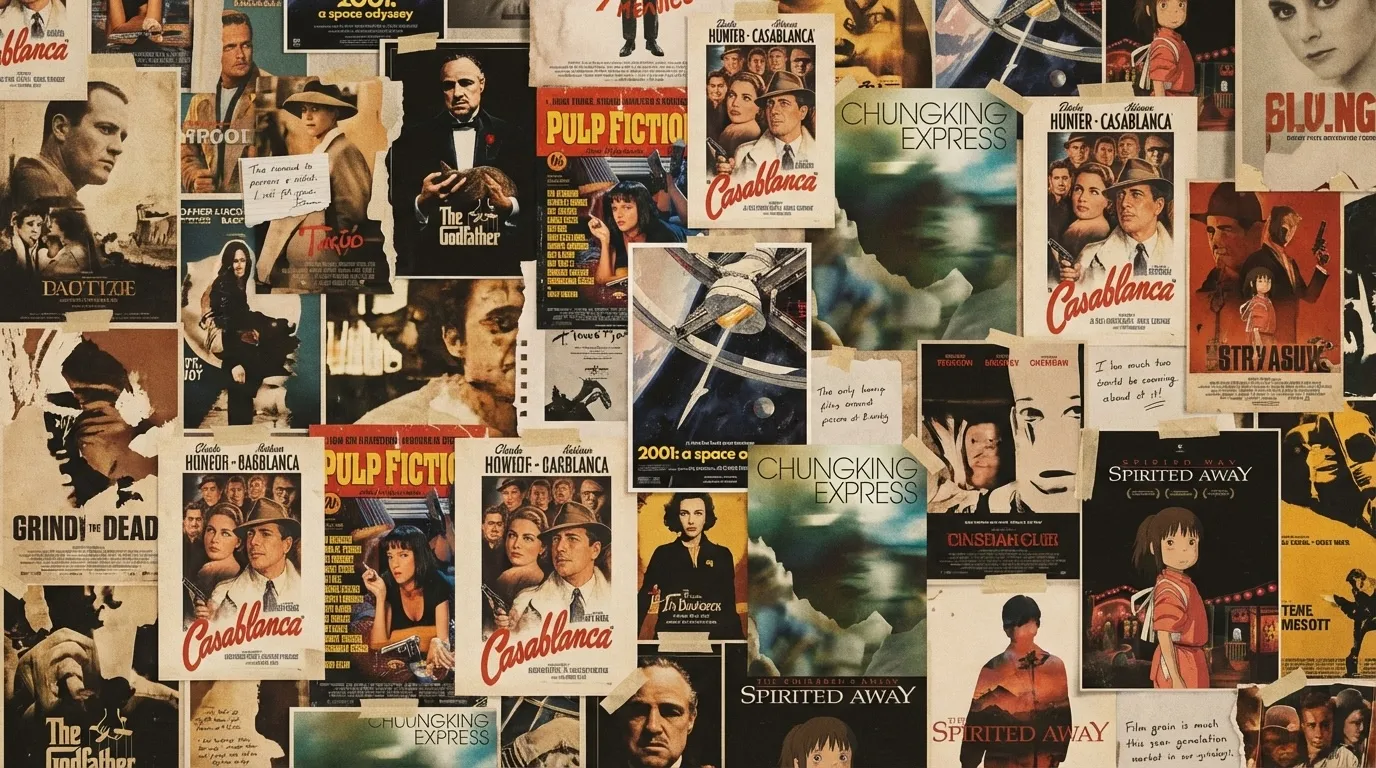
Screenshot frame
Use a frame where the subject and action are clearly visible.
Find Movie by Picture
Upload a screenshot, still, or poster with one helpful clue, and we’ll return likely movie titles ranked by visual and contextual match.
Upload one image and an optional hint. We return ranked matches.
Use a clear frame and one distinctive clue.
If dialogue inside the frame is stronger than visual cues, switch to find movie by quote and then return here for visual confirmation.
Use a frame where the subject and action are clearly visible.
Best when you remember key art style, costume, or palette.
Add one before/after beat to separate lookalike candidates.
Add era or region so the model narrows the candidate pool first.
Add character relationship or signature prop to separate installments.
Upload a clearer angle or a second frame from the same film for cross-checking.
Volume V
Use a sequence of visual signal quality, recovery checks, and extra context to make image search converge faster.
Tip I
Prioritize clarity over aesthetics: sharp subject + readable environment usually outperforms stylized blur.
Tip II
Avoid heavy overlays, subtitles, or watermarks that hide composition and foreground details.
Tip III
If uncertainty remains, upload a second frame with a different angle or story beat for cross-validation.
Tip IV
Use era/genre/region filters when franchises, remakes, or visually similar films appear together.
Tip V
Combine one visual clue and one narrative clue for best precision under ambiguous imagery.
JPG, PNG, and WEBP are supported. Higher-resolution frames with visible scene elements generally produce better results.
Yes. Posters, stills, and video-frame captures are all supported. The system reads visual cues before ranking candidates.
No. Text is optional, but one concise hint often improves disambiguation when visuals are shared across multiple films.
Many films share similar visual grammar. We return a ranked shortlist so you can verify quickly using confidence and rationale.
Yes. Context hints in English or Chinese are both supported and incorporated into matching.
Uploaded images are used only for the current identification request and are not reused for model training.
Find movie by scene
Use scene-based search first when camera motion and atmosphere are your strongest memory.
Find movie by plot
If you remember surrounding story beats, plot-based search helps eliminate noisy matches.
Find movie by quote
Switch to quote mode when dialogue in the frame is the strongest clue.
AI movie recommendations
If you want your next movie rather than the title in this image, try mood-based recommendations.
Movie finder blog
Read more image-search prompts and failure-recovery examples.
Blog
Short guides for image prompts and quick recovery when matches miss.

A carefully selected, spoiler-light guide to the best series of all time, with transparent criteria, viewing notes, and recommendations for every kind of TV fan.

From subtitle changes to memes and memory shortcuts, learn why familiar movie lines change over time—and which details remain useful when identifying their source.
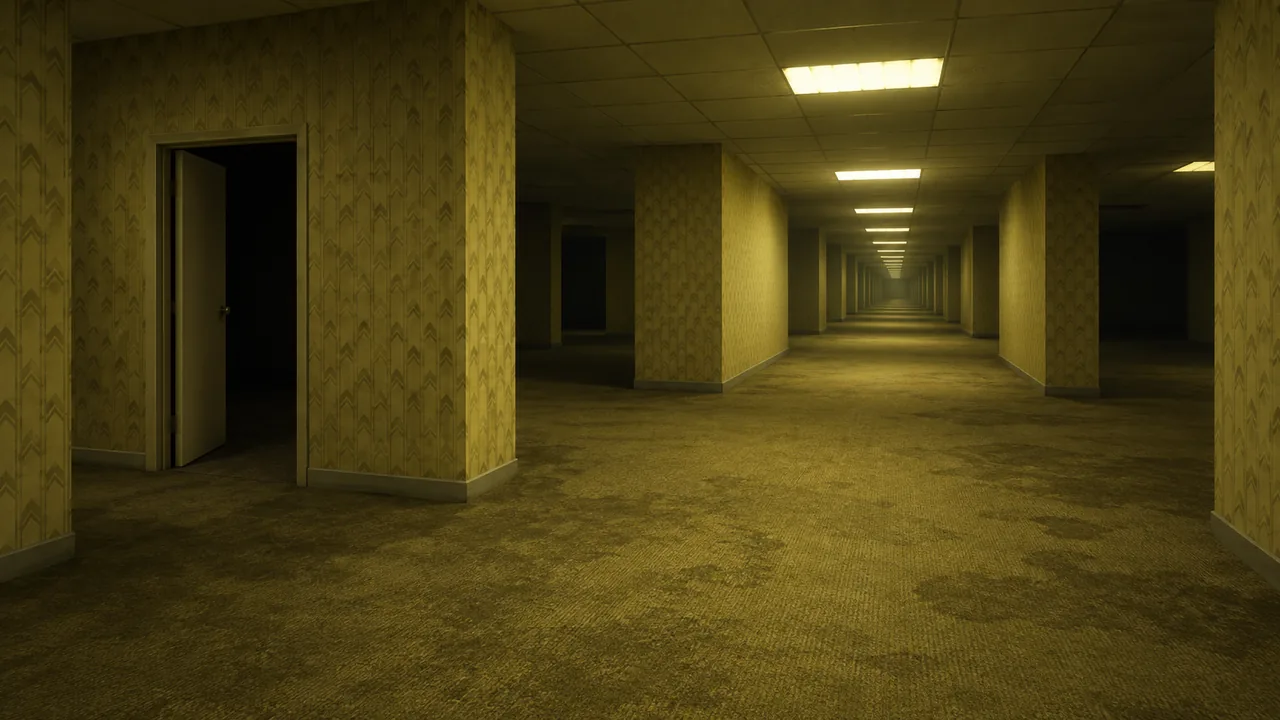
A complete guide to Backrooms (2026): the spoiler-free premise, full plot, ending explained, themes, cast, internet origins, and an honest professional review.