1. Before the shot
Describe what conflict escalates into this signature scene.
WhatIsThisMovie — AI Movie Finder
Describe one visual moment with camera movement, setting, and mood details so we can rank likely titles from the scene you remember.
Try NowScene Finder
Describe the scene, find the movie
Provide action, framing, environment, and mood to get ranked movie candidates.
Tap card to jump to finder
WhatIsThisMovie — AI Movie Finder
Describe action, framing, and atmosphere. We rank likely matches.
1. Before the shot
Describe what conflict escalates into this signature scene.
2. At the shot
Capture action, framing, and the strongest visual imprint.
3. After the shot
Add what outcome or emotional turn follows next.
Each example shows how to find a movie by scene using AI Movie Finder. See realistic scene prompts and 3 ranked matches for comparison.
User prompt
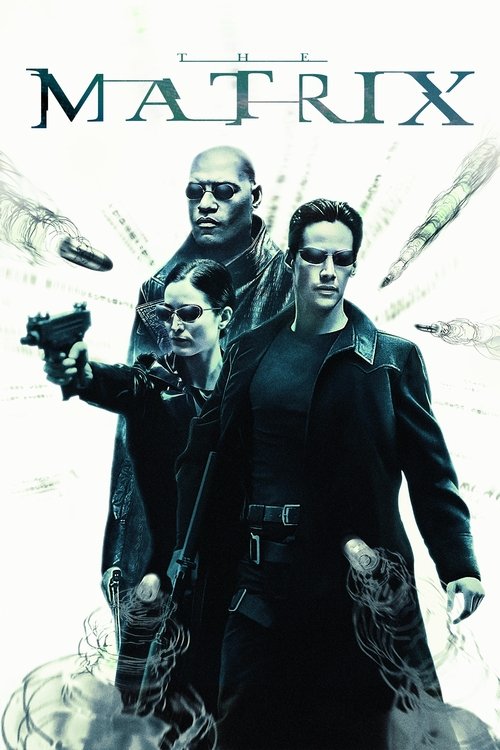
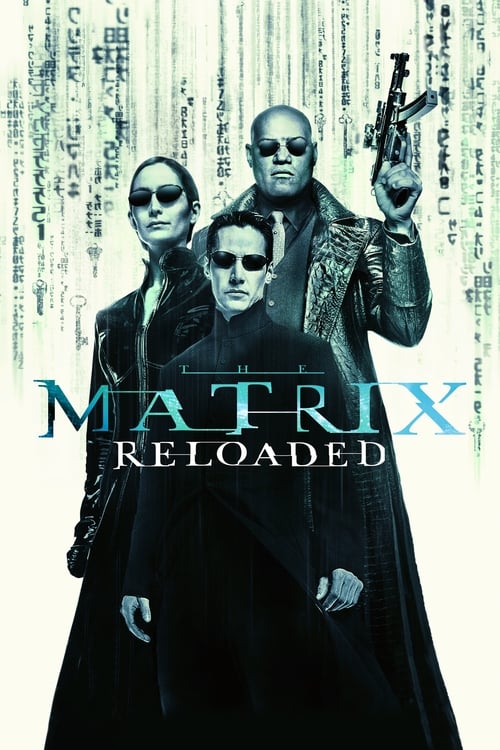
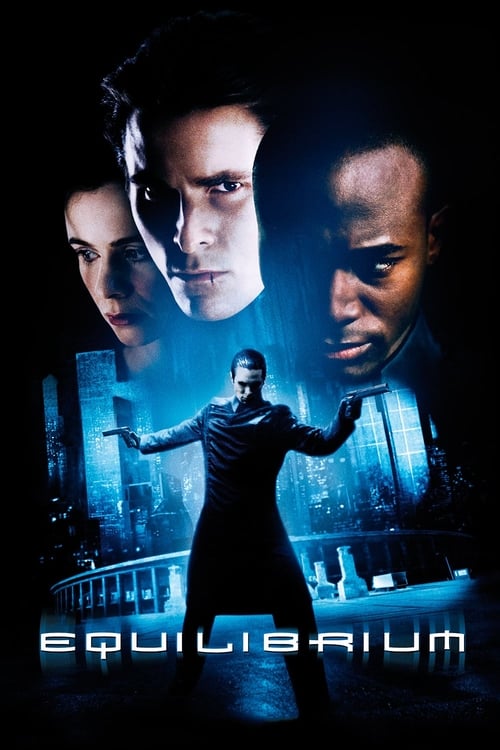
There is a slow-motion rooftop action shot where the hero dodges bullets by bending backward unnaturally.
User prompt
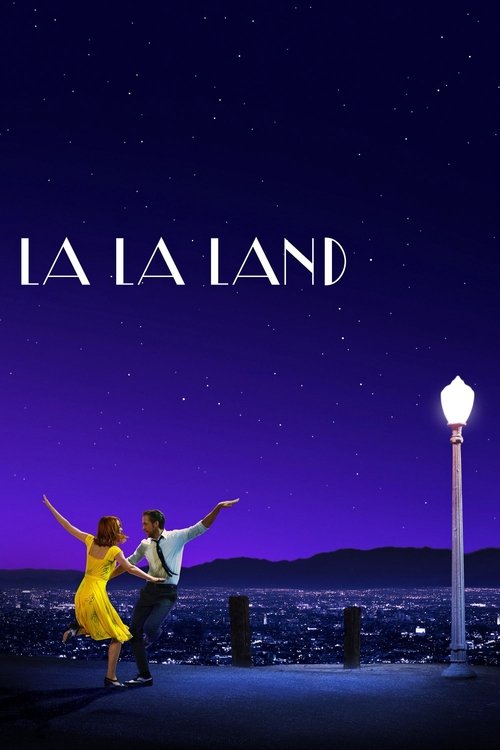
I remember a colorful musical dance sequence with romantic choreography and a city skyline at sunset.
User prompt
A giant dinosaur appears for the first time while characters watch from an open vehicle in disbelief.
If you already have a key frame or poster, jump to find movie by picture for faster confirmation than scene text alone.
Shot description too abstract
Add action subject and camera movement, not only “it looked epic.”
Candidates drift too far
Add three anchors: location, prop, and era cue.
Too many similar scenes
Add before/after events to create timeline separation.
These reusable long-tail inputs cover common “visual memory only” searches and can be adapted quickly.
“I only recall one highly recognizable action freeze-frame.”
Describe pose first, then camera movement and environment.
“The scene has neon cool tones with heavy pressure.”
Palette + mood + location quickly filters many false candidates.
“I saw a 3-5 second action fragment and need the full movie.”
Add before/after timeline beats for more stable ranking.
“Many movies have similar shots; I need to exclude sequels.”
Use era, costume style, and props for second-pass filtering.
“The whole scene reacts when a character/creature appears first time.”
First reveal + reaction + viewpoint is a high-signal combo.
“The camera keeps tracking fast, but I forgot the story.”
Camera language is often a stronger scene-search entry than plot detail.
Start with action and camera language: who does what, slow motion/tracking/overhead shot? Add the visual feeling: oppressive, epic, psychedelic. Let the AI lock in the scene type first, then verify with details.
Include environmental details: setting (rooftop, car interior), weather (rain, clear), lighting (sunset, neon), color palette, costume, or props. 2-3 visual anchors significantly improve accuracy.
Describing what happens before and after matters. What conflict precedes the shot? What result follows? Timeline context is often more distinctive than a single frame.
Add era, genre, or style cues for partial memory. "1990s sci-fi action" or "cyberpunk blue" quickly filters out irrelevant candidates.
Prioritize your strongest visual memory. Whether it is the action pose, color composition, or lighting effect—this strongest impression is usually the most distinctive matching signal.
Yes, if the scene carries distinctive visual identity. Distinctive features include: signature camera techniques (bullet time, rotating shots), iconic action beats (dodging bullets backward, choreographed dance), striking color palettes (Nolan orange, cyberpunk blue), or memorable compositions (confrontational corridors, skyline silhouettes). A single strong scene can narrow results to a very small candidate set. However, ordinary everyday scenes like "two people talking in a cafe" require more contextual information to distinguish effectively.
Absolutely. Scene matching is primarily driven by action, camera movement, and environment signals—not quote text. As long as you clearly describe the visual structure (who is doing what, how the camera moves, what the atmosphere feels like), you can still get high-quality matches. Sometimes lacking dialogue is actually beneficial because you avoid interference from translation or dubbing variations.
Start with who does what, then add setting (rooftop, inside car, outdoor), lighting (sunset, neon, dark), color mood (high saturation, black and white, retro), and what happens before or after. Even a few seconds can be enough when the clues are layered and detailed. Prioritize describing the moment with the strongest visual imprint in your memory.
Usually no. Visual setup and shot language are often sufficient for scene-level identification. Actor names are helpful bonus signals, but props (distinctive weapons, classic vehicles), costume style (period-specific outfits, iconic disguises), or era cues (80s aesthetic, vintage feel) can work just as well as recognition anchors.
Scene recognition supports all visual types, including but not limited to: action sequences (chases, fights, explosions), musical dance numbers, sci-fi VFX scenes, disaster sequences, and classic confrontation scenes. The system analyzes multiple dimensions including action patterns, composition characteristics, lighting style, and color palette. Describe the frame or segment you remember most clearly.
Providing layered visual information is key. First, describe the action subject and camera language (who is doing what, slow motion/tracking/overhead shot). Second, supplement with environmental details (location, weather, lighting, color palette). Third, add timeline context (what happens before and after the shot). Even if you only remember a little about each dimension, combining multiple details significantly improves recognition accuracy. Start with the detail that gives you the strongest visual impression.
Find movie by plot
When scene candidates are close, adding plot structure is usually the fastest separator.
Find movie by quote
If you remember even one line, quote anchors can confirm the exact movie quickly.
Find movie by picture
If you have a screenshot, poster, or clip frame, switch to image-based identification.
AI movie recommendations
Not looking for a forgotten title? Get a personalized pick for the mood you want.
Movie finder blog
Explore scene-prompt examples and visual breakdown tactics.
Find the closest iconic scene first, then refine with three prompt tracks to identify the right film faster.
The Matrix (1999)
Slow motion, backbend dodge, city rooftop, cool green tint
Add “black trench coat + time-stretch feel” for stronger precision.
La La Land (2016)
Twilight sky, city lights, long take transition, warm palette
Use “before/after streetlight switch-on” as timeline anchor.
The Shining (1980)
Tight space, handheld pressure, high-contrast light, sharp audio
Add “door-gap POV + repeated line” to converge quickly.
Interstellar (2014)
Multi-layer bookshelf, time displacement, gravity anomalies, low-frequency score
Add “father-daughter bond + watch/book prop” to reduce false matches.
Framing track
“The scene is in [location]; shots move from [wide/medium] to [close-up], featuring [subject] with key action [action].”
Best when you remember visual composition and camera progression.
Mood track
“The dominant palette is [cool/warm/saturated], tone is [oppressive/romantic/sad], and character dynamics shift by [change].”
Best when emotion and atmosphere are clearer than exact events.
Timeline track
“Before this scene comes [previous beat], core moment is [iconic shot], then [immediate consequence], set around [era/future setting].”
Best for second-pass filtering when candidates look visually similar.
Want to convert scene memory into ranked candidates now?Use WhatIsThisMovie AI Movie Finder